
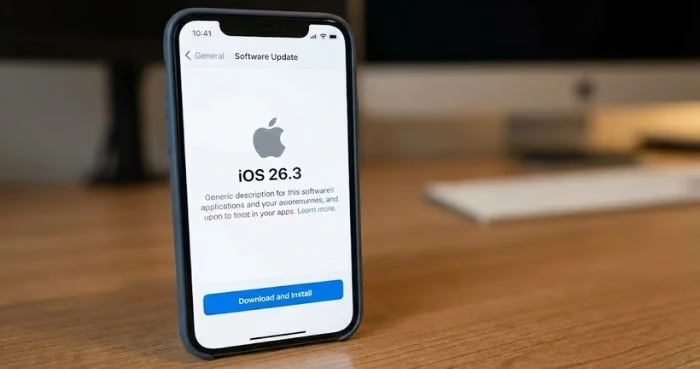
Apple has rolled out iOS 26.3 to the public after a short beta phase over the holiday season. While this update is smaller in scope compared to iOS 26.2, it focuses on improving cross-platform usability and refining system-level features.
The biggest addition is a new “Transfer to Android” option built directly into the Settings app. The feature allows users to place their iPhone next to a compatible Android device and begin a guided migration process. Apps, photos, messages, and even the phone number can be transferred in one streamlined session — a move that reflects growing cooperation between Apple and Google to simplify switching ecosystems.
Apple clarified that some sensitive or system-linked data cannot yet be moved using this method. Health records, Bluetooth pairings, and protected content remain excluded for privacy and security reasons.
For newer iPhones powered by Apple’s latest custom silicon, iOS 26.3 introduces an advanced privacy function tied to C1 and C1X modems. This capability masks precise location details from network carriers, enhancing user privacy. Carrier compatibility is currently limited, but Apple says broader support is expected in future updates.
A feature tested during beta — notification forwarding to third-party smartwatches — did not make it into the final release. Early builds suggested Apple was experimenting with allowing non-Apple wearables to mirror iPhone alerts, but the company ultimately held the feature back.
How to update
Users can download iOS 26.3 by going to Settings → General → Software Update. Devices with automatic updates enabled will install the update overnight while charging.