
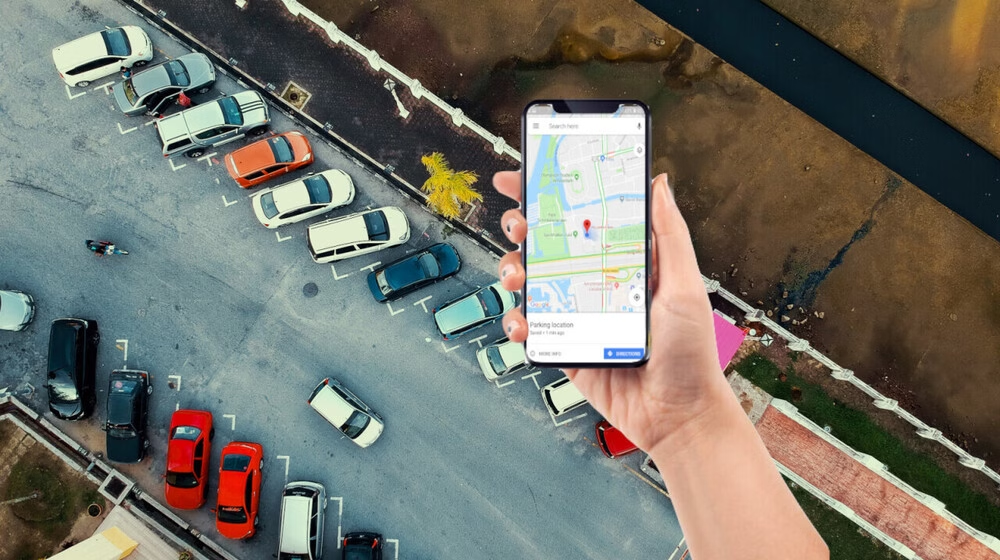
Google Maps has rolled out a smart new update that makes parking stress a thing of the past. The Google Maps parking feature can now automatically detect where you park your vehicle and save that location for you, without requiring any manual input. This upgrade is designed to help users quickly find their cars, especially in crowded areas like malls, airports, and busy city streets.
The Google Maps parking feature was announced by Rio Akasaka, Senior Product Manager at Google Maps, who described it as a personal parking Maps valet. The tool recognizes when a driving session ends, automatically drops a parking pin, and then removes it once you start driving again. This seamless automation marks a significant improvement over earlier versions of parking tools in the app.
How the Automatic Parking Feature Works
Previously, saving a parking location in Google Maps required users to manually tap their current location and select the Saved Parking option. While useful, that process depended on the user remembering to do it. With the new Google Maps parking feature, the app handles everything on its own.
Once you finish driving and exit your vehicle, Google Maps automatically saves the spot where you parked. The next time you open the app, a pin appears on the map showing your parking location. When you start driving again, the app recognizes the movement and removes the parking pin automatically, keeping your map clutter-free.
The saved parking location can remain visible for up to 48 hours unless it is cleared earlier by starting a new drive. This ensures the information stays relevant without lingering unnecessarily.
Availability and Device Requirements
At the moment, the Google Maps parking feature is available only on iPhones. Google has not yet confirmed whether or when the feature will be released for Android users. This is notable, as Android already has a parking-related option, but it does not yet offer the same level of automation.
To use the automatic parking detection, certain conditions must be met. The user must be driving a car and connected via USB, Bluetooth, or Apple CarPlay. These connections help Google Maps accurately determine when a driving session starts and ends, allowing it to reliably save and remove parking locations.
Custom Icons for Easier Identification
One of the standout additions that comes with the new Google Maps parking feature is the ability to mark your parking spot with custom vehicle icons. Instead of the traditional “P” marker, users can choose from a variety of car icons to represent their parked vehicle.
At launch, available icons include different vehicle styles, such as a purple sedan and a red 4×4 truck. These icons pair with Google’s existing custom car icon system, which has been part of Google Maps for several years. Earlier updates expanded icon choices with more car shapes and colors, and also brought custom icons to Android Auto and CarPlay.
Using a personalized icon can make it even easier to spot your parking location at a glance, especially in dense urban environments.
Why This Update Matters
The Google Maps parking feature addresses a common real-world problem: forgetting where you parked. For many drivers, especially those navigating unfamiliar areas, finding a parked car can be frustrating and time-consuming. By automating the process, Google Maps removes one more task from the user’s mental load.
This feature is particularly useful for people who park frequently in large lots, multi-level garages, or busy streets where visual landmarks are limited. It also benefits travelers who rely on rental cars or park in unfamiliar locations during trips.
Comparison With Existing Parking Tools
While parking reminders and location saving are not new concepts, Google’s approach stands out because of its automation. On Android, parking markers typically require manual removal, which can lead to outdated pins staying on the map. The new Google Maps parking feature improves on this by automatically clearing the marker once it is no longer needed.
This intelligent behavior ensures accuracy and keeps the user experience clean and efficient, aligning with Google’s broader goal of making Maps more intuitive and context-aware.
What to Expect Next
Google has stated that the automatic parking tool began rolling out about a month ago, so availability may still be expanding to more users. While Android support has not been confirmed, the positive response to the Google Maps parking feature could encourage Google to bring similar functionality to other platforms in the future.
As Google Maps continues to evolve, features like this highlight the company’s focus on small but meaningful improvements that enhance everyday navigation. For iPhone users, this update is a practical addition that can save time, reduce stress, and make parking a lot easier.