
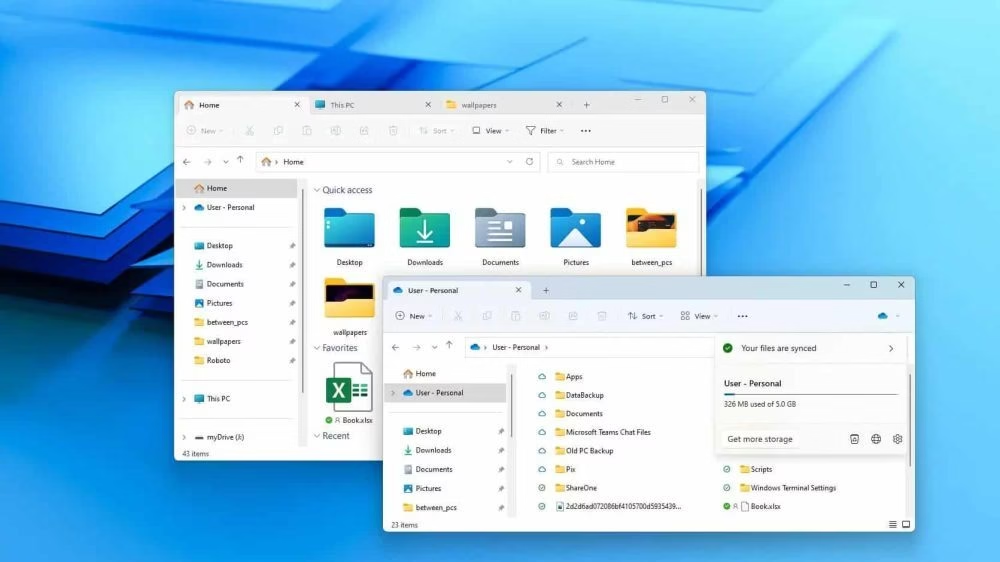
The new Windows 11 File Explorer performance update has raised fresh concerns among users after Microsoft introduced a background-preloading system in the latest Insider builds. The feature was designed to make File Explorer launch faster by keeping certain components loaded in memory. However, early testing shows that the update has not delivered the expected improvements and, in some cases, has made performance even worse.
Introduction: A Feature Meant to Speed Things Up
Microsoft’s goal behind improving Windows 11 File Explorer performance was simple reduce launch delays and make the file-browsing experience smoother. Since File Explorer is one of the most frequently used tools in Windows, optimizing its speed has always been important. But instead of achieving better responsiveness, the preloading experiment is causing new issues, including increased RAM usage and inconsistent menu behavior.
Testing Shows Slower Results Than Expected
According to tests carried out on Windows 11 Insider builds, the preloaded version of File Explorer still falls behind the standard Windows 10 Explorer in real-world speed. Even on low-powered devices, File Explorer in Windows 10 opens faster and handles navigation more smoothly. This is surprising because the new preload system was supposed to give Windows 11 a performance edge.
Many users note that right-click context menus, folder switching, and even basic actions like navigating between directories feel slower. This decline in Windows 11 File Explorer performance highlights deeper issues within the operating system’s UI structure.
Higher RAM Usage Creates More Problems
One of the biggest concerns surrounding the new feature is increased memory usage. Because File Explorer loads components in the background, it now consumes more RAM even when it’s not actively being used.
For systems with 4GB or 8GB of memory common in budget laptops and older desktops this extra RAM usage can create noticeable slowdowns in other applications. Browsers, IDEs, editing tools, and background apps may struggle with the reduced available memory. Instead of speeding up File Explorer, the update ends up reducing performance across the system.
This is especially worrying for users who rely on multitasking, as memory pressure can lead to lag, freezing, or longer app-loading times. Improving Windows 11 File Explorer performance should not come at the cost of overall system responsiveness.
Why the New Update Feels Slower
One of the longstanding challenges for Microsoft is the hybrid nature of Windows 11’s interface. The operating system blends older Win32 components with newer WinUI elements. While this allows modern design improvements, it also introduces complexity. Each time Microsoft modifies File Explorer, it needs to ensure both UI layers communicate efficiently. The new preload system appears to add more background tasks, contributing to delays rather than eliminating them.
Until Windows 11 fully transitions to a more unified interface, performance inconsistencies are likely to continue affecting File Explorer.
What Users Can Do Right Now
Microsoft has not yet confirmed whether the new preload feature will roll out to all Windows 11 users. Since testing results are mixed, future Insider updates may adjust, improve, or completely roll back the system.
In the meantime, users facing slow Windows 11 File Explorer performance can try temporary fixes:
- Disable File Explorer preloading through the settings or experimental features menu.
- Reduce visual effects such as animations and transparency.
- Turn off background apps that consume memory.
- Restart Windows Explorer from Task Manager when it becomes unresponsive.
These steps won’t solve the underlying issue but can help reduce frustration until Microsoft implements a more stable update.
Why This Matters
File Explorer is central to the Windows experience. Whether you are moving files, searching documents, organizing work folders, or accessing external drives, you interact with File Explorer almost every day. When it performs poorly, the entire operating system feels slow.
Poor Windows 11 File Explorer performance affects:
- Students using budget laptops
- Professionals working with multiple apps
- Developers running heavy tools
- Office workers with large data directories
- Creators managing media files
A simple delay in opening a folder can slow productivity and cause annoyance throughout the day.
Should Users Be Concerned?
Yes , but only to an extent. The slowdown does not indicate a permanent decline in Windows performance, but it shows that Microsoft still has work to do before File Explorer reaches the stability and responsiveness users expect. Insider builds are meant for testing, and this feature may change significantly before it reaches general users.
The new preload update was meant to enhance Windows 11 File Explorer performance, but early results show the opposite: slower navigation, heavier RAM usage, and inconsistent responsiveness. While Microsoft continues refining the update, users should monitor future Insider builds and apply temporary performance tweaks to keep their systems running smoothly.
Until Microsoft delivers a more optimized version, File Explorer in Windows 11 will continue to lag behind Windows 10 — proving that speed and stability are still challenges the company needs to address.